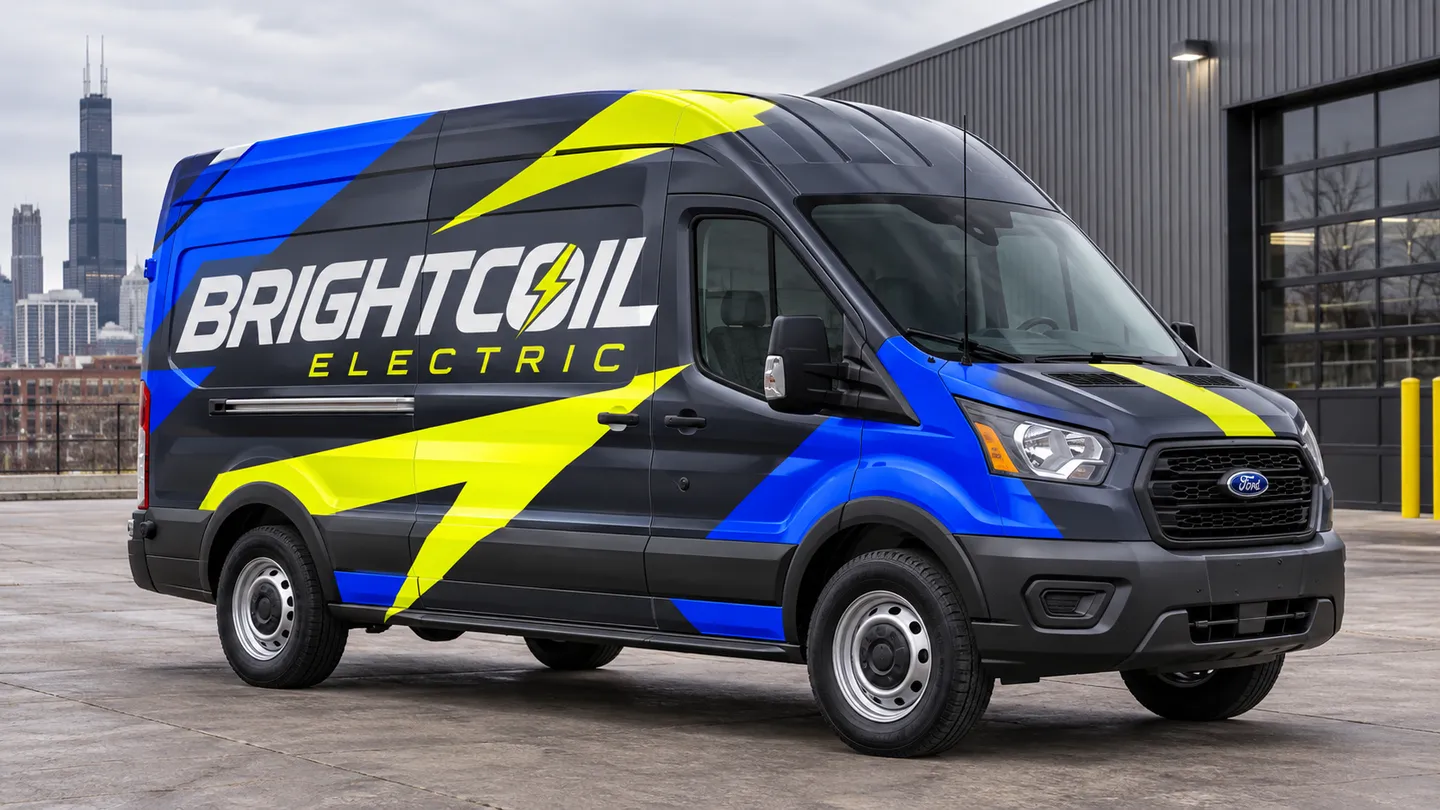
Choose fields that explain the body
Use a matrix containing unit ID, model year, body style, roof, documented length or wheelbase, door arrangement and window pattern. Avoid filling missing fields from memory to make the sheet look complete. Ask the person responsible for each vehicle to confirm uncertainties with current photographs and records. Keep a source or confidence note for the dimensions that production will rely on, especially where the fleet includes older or modified units.
- Use a separate unknown value instead of leaving ambiguous blanks.
- Connect each matrix row to its own vehicle photo folder.
Compare before assigning the group
Sort the matrix by confirmed body details, then inspect the photos for differences that a spreadsheet cannot explain. A ladder rack, replacement rear door or added window may require an exception even if the basic dimensions match. Mark an initial grouping as provisional until the production contact confirms its usefulness. A group is a planning aid, not permission to stretch one piece of finished artwork over vehicles that have not been assessed.
- Record the reason when an apparently matching vehicle is separated.
- Keep equipment exceptions distinct from missing configuration information.
Use the grouping in the quote conversation
Provide a count for each proposed layout group and the units included. Ask whether the supplier expects separate design setup, proof review or production preparation for any group. Confirm the response in the written scope rather than assuming a grouped count produces a particular discount. When a vehicle is added or withdrawn, update both the unit list and group totals. This keeps purchasing, artwork and installation discussions based on the same set of vehicles.
- Show counts alongside configuration and coverage, not alone.
- Retain a dated group register with the accepted project scope.
Keep a working record
Before you approve the next step
- Every Transit has a stable unit ID.
- Body and door fields are documented.
- Unknown information is marked.
- Photos checked for equipment exceptions.
- Provisional groups reviewed by the production contact.
- Group totals agree with the vehicle list.
Use the free planning tool to organize the details you can confirm and the questions still open.
Four questions before the next step
Should model year alone define a group?
No. Use the actual configuration and relevant equipment details. The year is a useful reference, but it does not replace a body-specific review of the vehicles being supplied.
Read the detailed guide: Group a Transit fleet by the differences that affect graphics
Does grouping mean identical installation time?
No. Existing graphics, condition and the final scope can vary within a body group. Discuss those differences separately when confirming preparation and scheduling arrangements.
Read the detailed guide: Group a Transit fleet by the differences that affect graphics
Can we approve some Transit groups while others wait?
A phased approval can work if the groups, artwork revisions and release boundaries are explicit. Ask the shop to confirm which work is authorized and keep unresolved groups clearly outside that release.
Read the detailed guide: Create a useful Transit proof exception log
What belongs outside the exception log?
Use the log to track decisions, not as a substitute for the full scope, artwork files or vehicle inventory. Link those records so each has a clear purpose and an authoritative version.
Read the detailed guide: Create a useful Transit proof exception log
Original technical sources
Use the linked publisher's current instructions for the exact product and vehicle. This planning guide does not replace its application, safety or warranty requirements.